

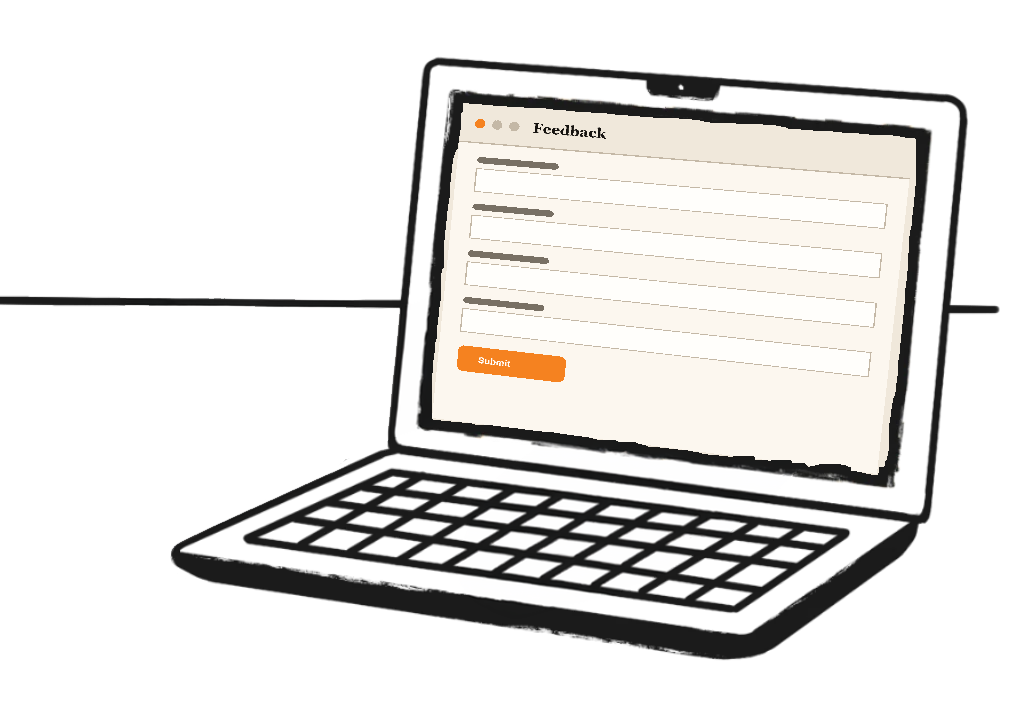
Every request, with full context

Capture, triage, and monitor
There is no crippled free mode. The difference between tiers is how many sites a license covers.
Floating widget
Four styles: button, modal, slide panel, or bottom bar.
Automatic screenshots
Captures the current view, with a high-fidelity mode.
Annotation tools
Rectangles, arrows, freehand and text on the screenshot.
Element pinning
Click any element to attach feedback as a selector.
Console capture
Recent JS warnings and errors ride along automatically.
JavaScript error capture
Uncaught errors become deduped internal tickets.
PHP fatal capture
Server-side fatals captured at shutdown, paths stripped.
Autonomous monitors
404s, slow pages and email failures file their own tickets.
AI-powered triage
Claude drafts a client reply plus an internal work note.
Ticket dashboard
Table, card grid or kanban, with status workflow.
Notifications
Email, Slack, Microsoft Teams and Discord alerts.
Self-hosted and GDPR
All feedback and PII stay in your own database.
Click, annotate, resolve
Licensed by sites, not features
Every feature is included with a license. The tiers simply cover more sites.
Single site - from $50/yr
The full plugin on one site: the floating widget, automatic screenshots, annotation, element pinning, console capture, JavaScript and PHP error capture, autonomous monitors, AI triage, the ticket dashboard, and Slack, Teams, Discord and email alerts.
Get C7 Feedback →Agency - multi-site
Everything in the single-site tier, across many client sites under one license, for agencies running visual feedback and self-hosted error monitoring on every project they manage.
Get the agency tier →Specs
C7 Feedback technical summary.

Platform
WordPress 6.0+, PHP 8.0+.

Capture
Screenshots, annotation, element pinning, console log.

Error monitoring
JavaScript, PHP fatals, 404s, slow pages, email fails.

AI
Claude triage drafting client replies and work notes.

Notifications
Email, Slack, Microsoft Teams, Discord, BugHerd.

Privacy
Self-hosted, GDPR export and erasure, PII stays local.
Frequently asked questions
Where does the feedback data live?
On your own server. C7 Feedback is self-hosted, so all feedback, screenshots and PII stay in your WordPress database.
Does it catch errors nobody reported?
Yes. With error capture on, uncaught JavaScript errors and PHP fatals become deduped internal tickets automatically.
Does it need an AI key to work?
The widget and dashboard work without one. Claude triage drafts replies and work notes when an API key is configured.
Can anonymous visitors submit?
Yes, optionally. Anonymous submissions are rate-limited to five per IP per hour.
How is it licensed?
By how many sites a license covers. Every feature is included on every tier.
